Prepare a sharp file
Export your logo as a high-resolution PNG, ideally with a transparent background. The customizer accepts JPG, PNG and WebP up to 20 MB and 40 megapixels.
LOGO
A logo on a mouse pad should stay readable without taking over the whole design. Pinea helps keep the result clean and premium.
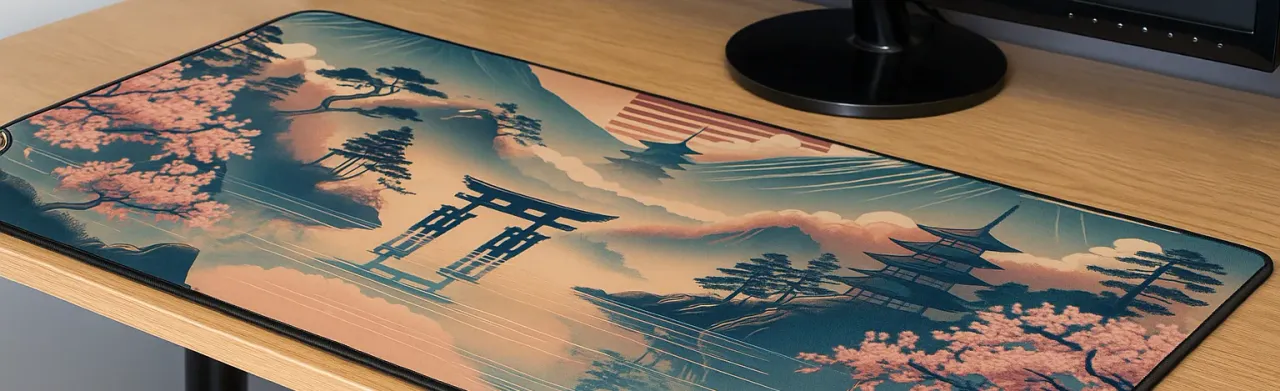
Export your logo as a high-resolution PNG, ideally with a transparent background. The customizer accepts JPG, PNG and WebP up to 20 MB and 40 megapixels.
Use enough contrast and keep important text and symbols 2 to 3 cm away from the stitched edges.
A compact pad suits one workstation. The 90 × 40 and 120 × 50 cm sizes give a full brand composition more room under keyboard and mouse.
Teams, booths, onboarding packs and creator shops can share quantities and timing to frame a consistent project.
USAGES
NEXT STEP
FAQ
The customizer accepts JPG, PNG and WebP. For a cut-out logo, use a high-resolution PNG with a transparent background and check the preview before ordering.
Keep a 2 to 3 cm safe margin around the edges. Also check that the keyboard, mouse or wrist will not cover the important part of the logo.
Yes. For volume, events or onboarding, use the business page and include the sizes, timeline and design support you need.
CUSTOMIZATION
The customizer starts at the beginning of the flow so you can choose the size, thickness and border before uploading your artwork.