01
Try in the customizer Choose the right format
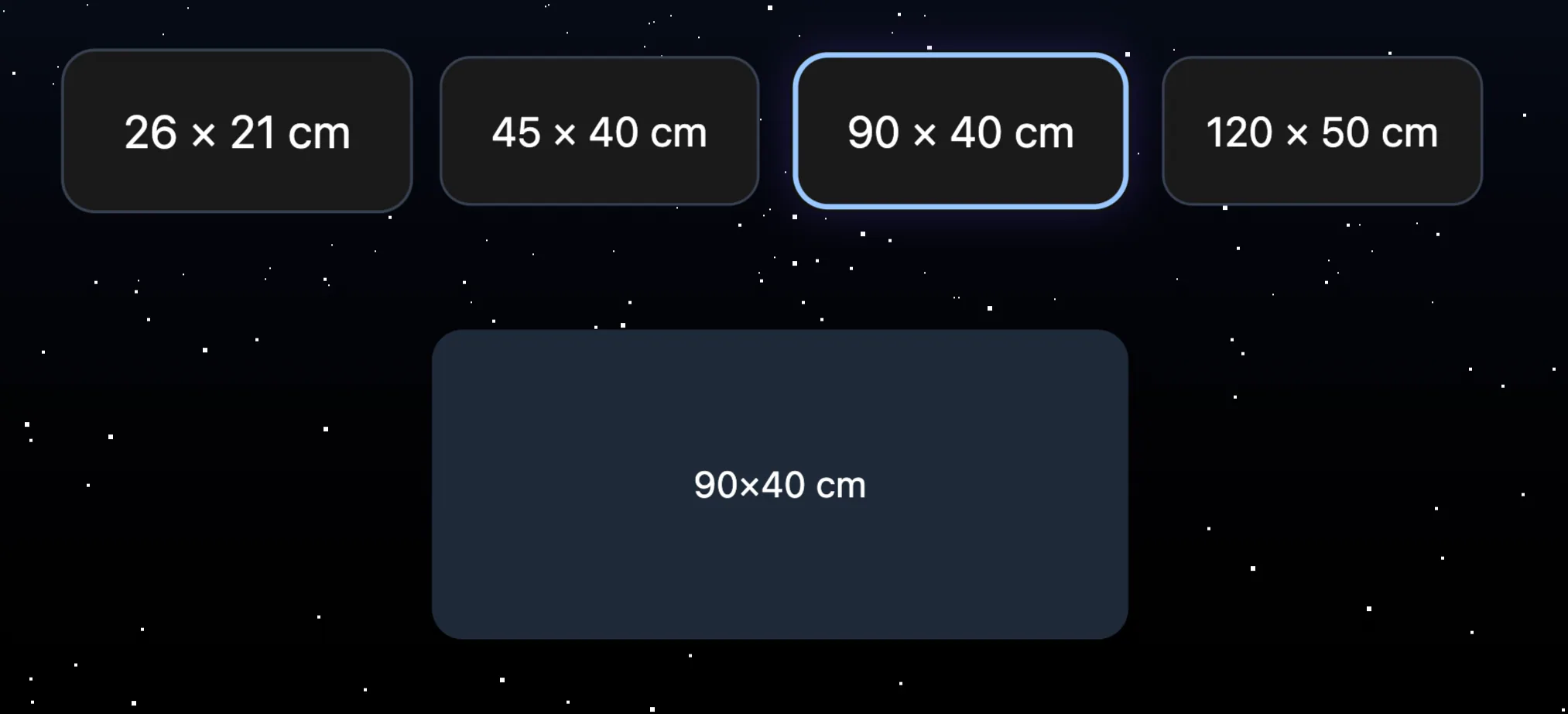
Small setup, full desk or large XXL mouse pad: start by selecting the size that really matches your use.
Customization guide
Choose a size, keep the recommended finishes if they suit you, then upload your image. You can see the result before ordering.
Quick path
3 simple steps before cart
File checked before production
Clear preview before validation
Recommended finishes already selected
Human support if the visual raises a question
Steps
Only the size is required to start. Finishes already have a recommended choice and remain editable if you want.
Small setup, full desk or large XXL mouse pad: start by selecting the size that really matches your use.
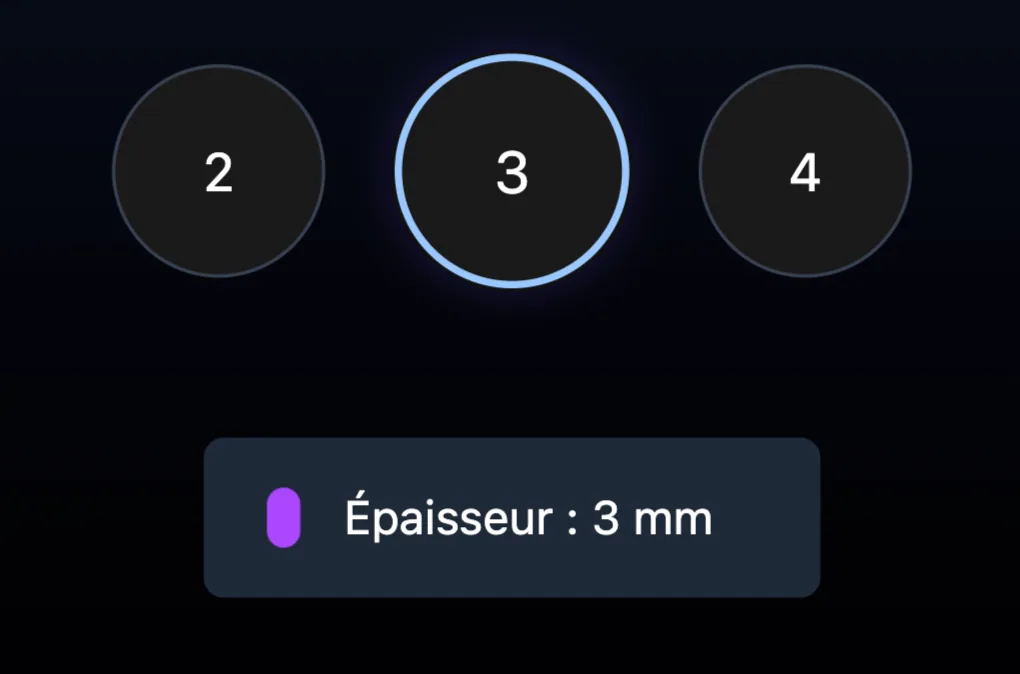
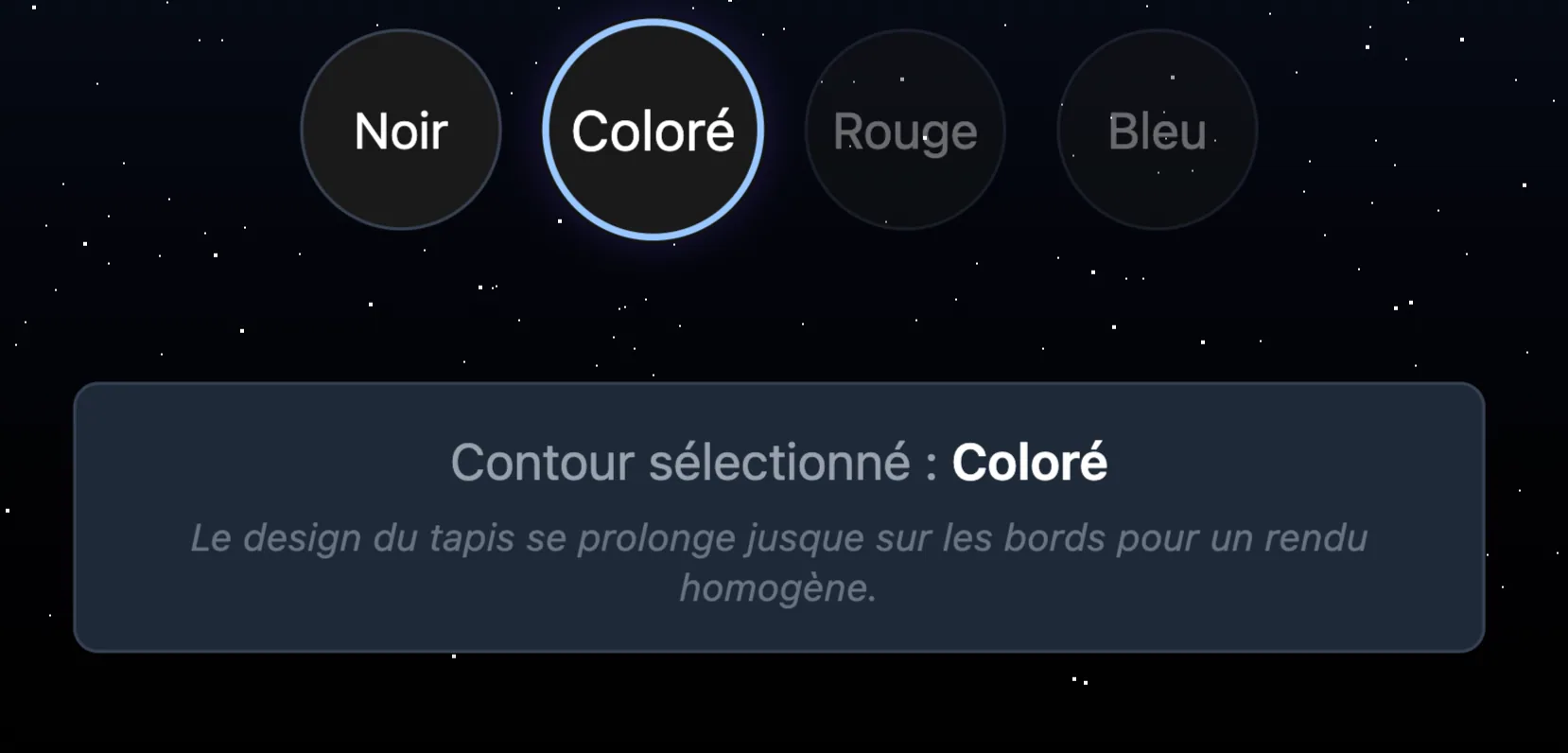
The recommended 3 mm thickness and black border suit most uses. Open “Change finishes” only if you want another thickness or a border matched to your design.
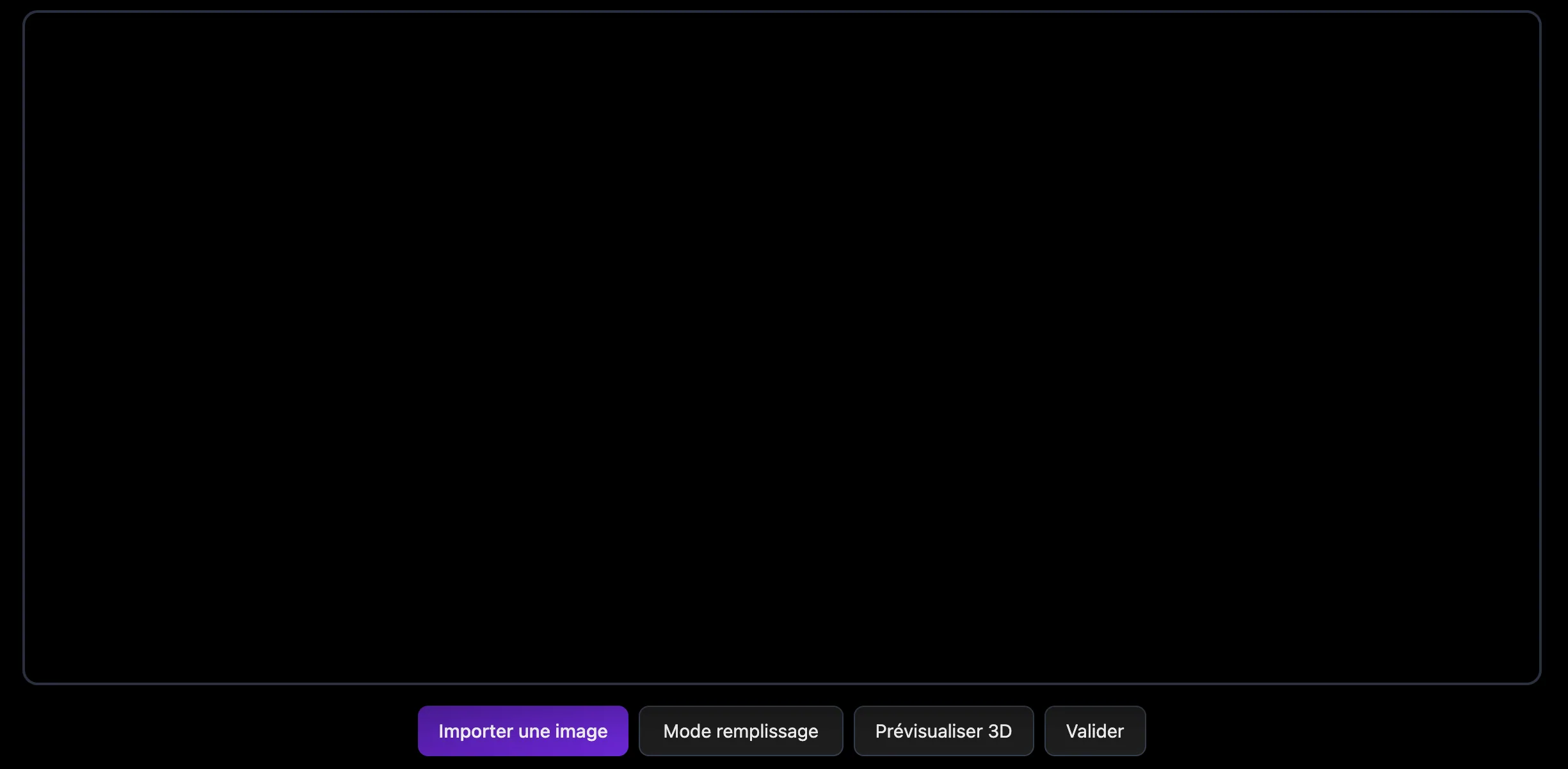
Add a JPG, PNG or WebP file, move it in the preview and check its sharpness. You can inspect the 3D result before adding the mouse pad to your cart.
Frequently asked questions